More videos.Zero editing.
Turn what you already teach into videos that bring you clients, every week. You talk. Volume writes, edits and posts.
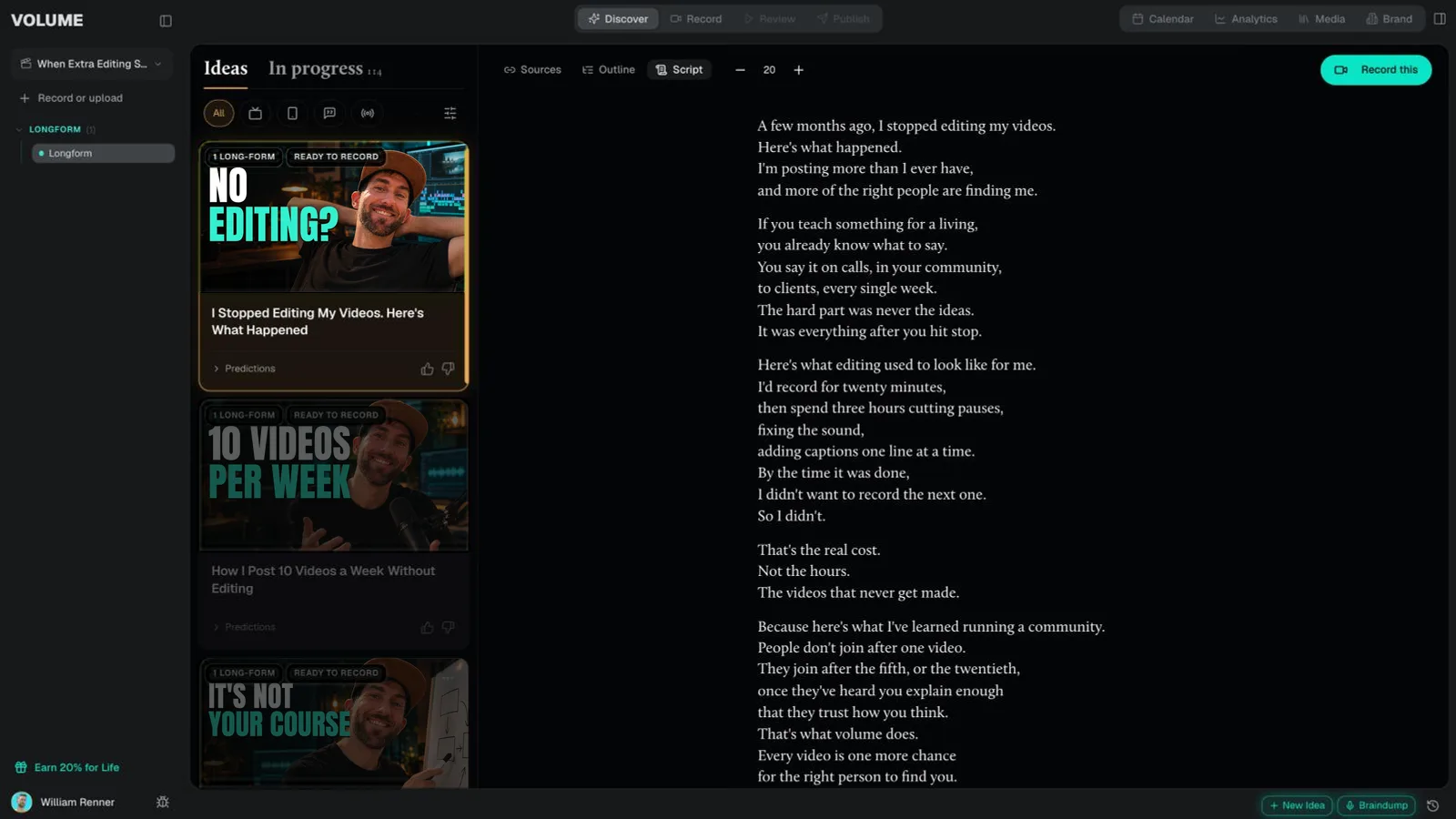
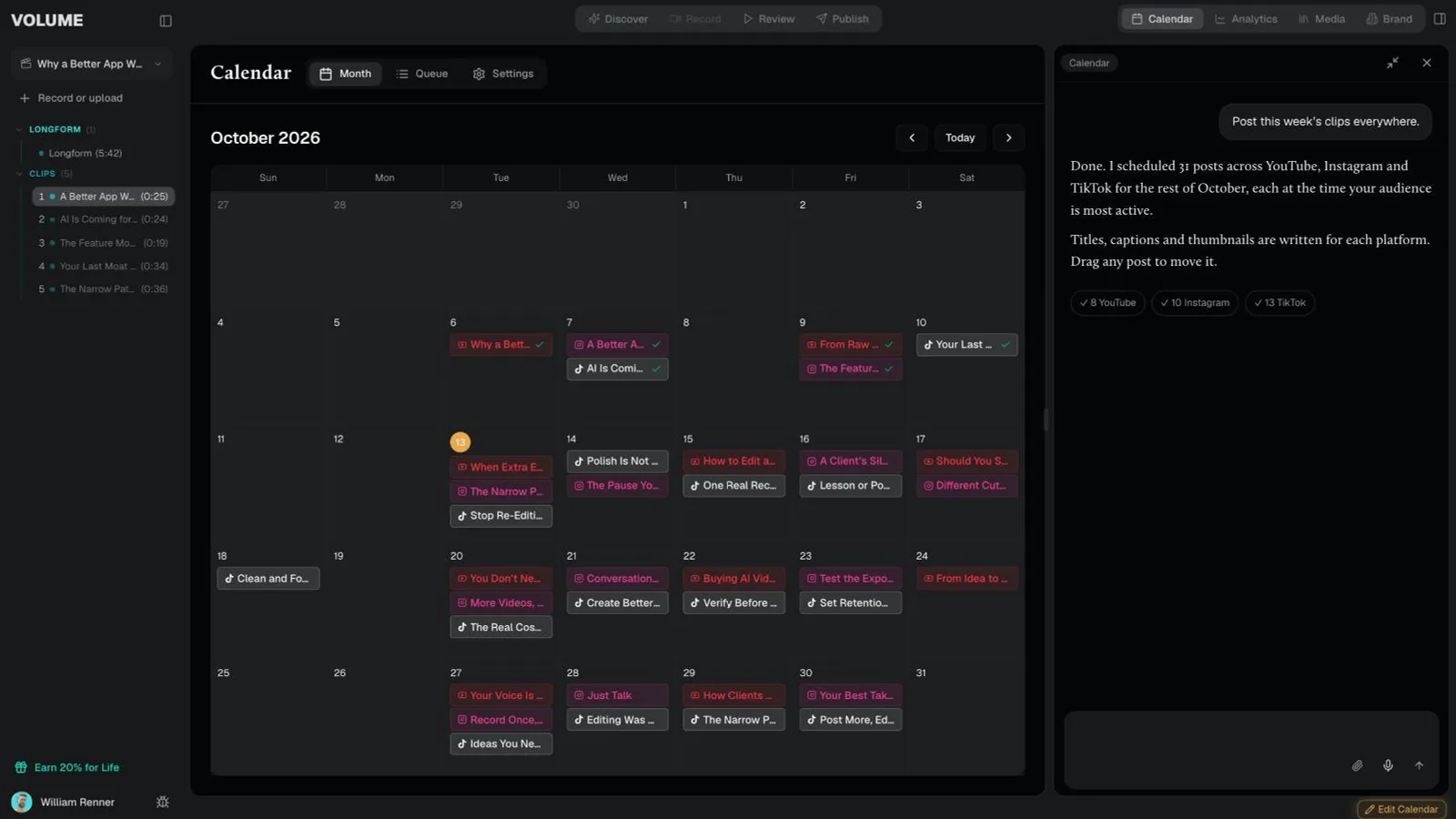
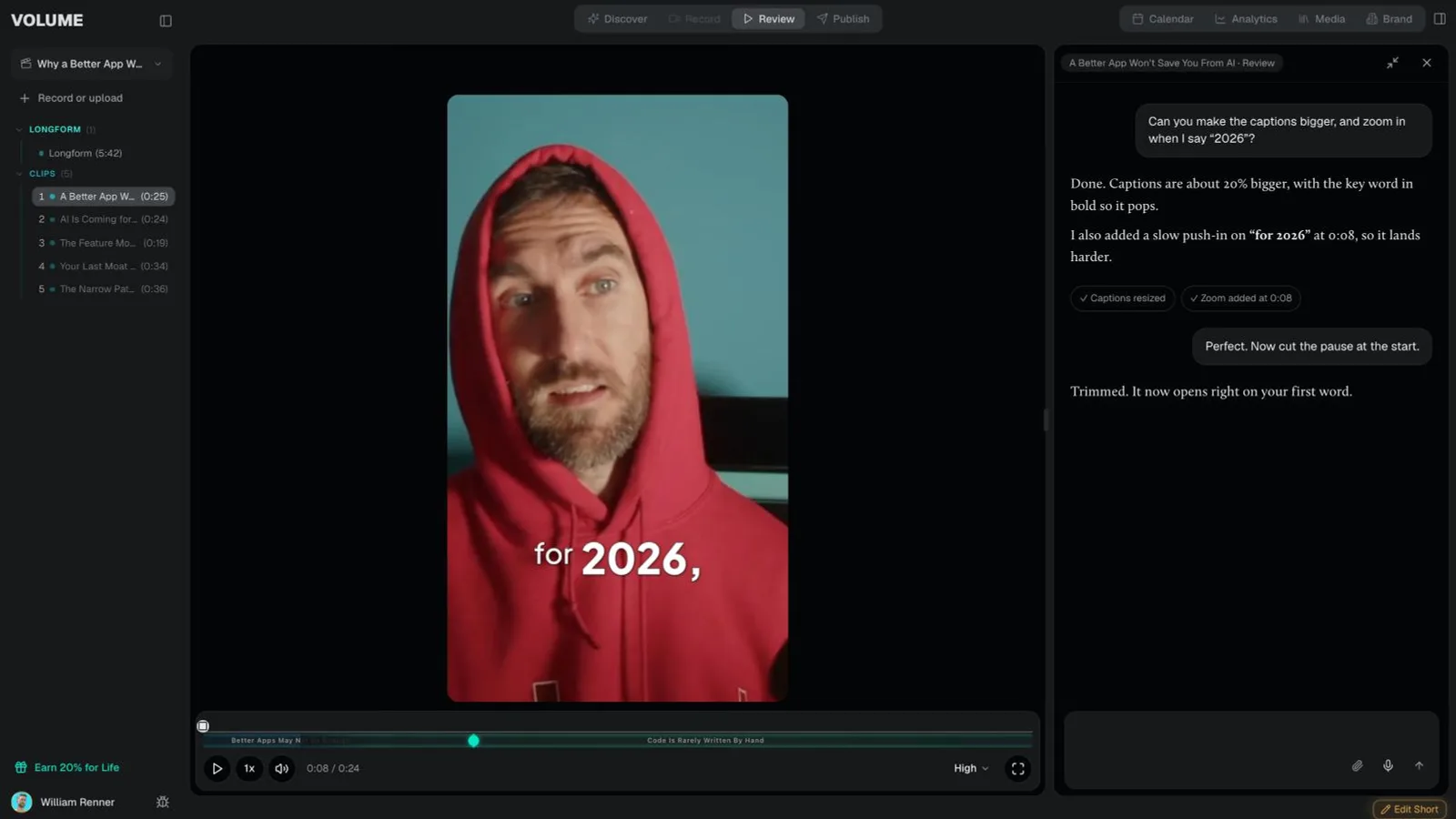
Discover · Record · Review · Publish
Your whole content team, in one place.
Watch it work
Idea to posted.In one place.
Sound familiar?
Something worth teaching.Not a lot of videos.
Youknowvideoishowtherightpeoplewouldfindyou.Butatwenty-minuterecordingturnsintothreehoursofcuttingpauses,fixingsoundandaddingcaptions.Bythetimeit'sdone,youdon'twanttorecordthenextone.Sothenextonenevergetsmade,andthepeopleyoucouldhelpneverfindyou.
That's the real cost. Not the hours. The videos that never get made.
The old way
Still editing your videos?Stop patching tools together.
Editing was never your job. Your ideas are the content. You share them. The rest gets done for you.
Pick an idea.Made for you.
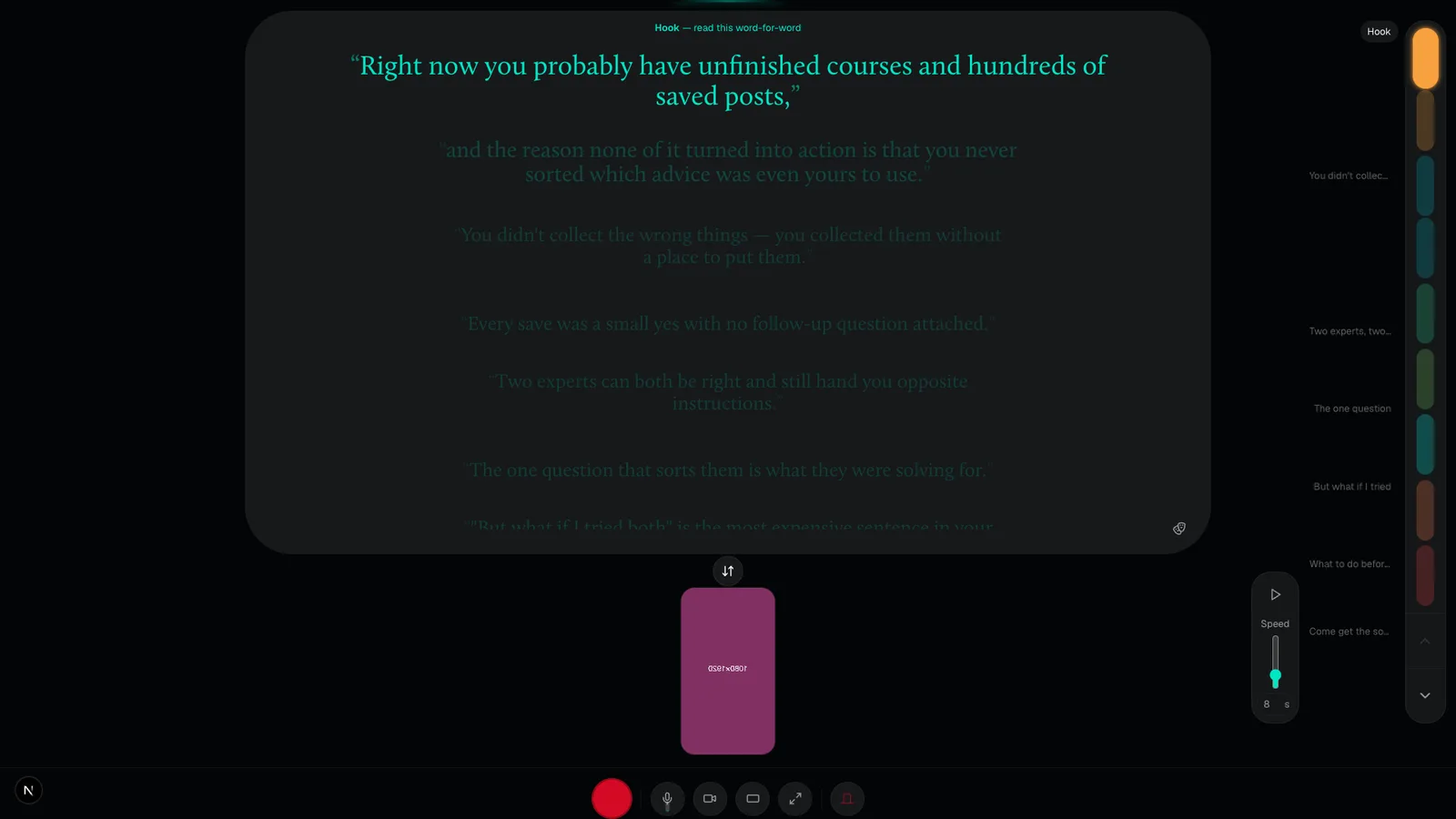
Every week Volume hands you ideas your audience is already asking about, then writes the script in your own words. You just talk.
The best part
It learnswhat works.

Everything you post teaches Volume what your audience watches, so next week's ideas, scripts and edits are better than this week's.
One idea in
One recording.A week of content.
The long video
An edit that keeps your best takes
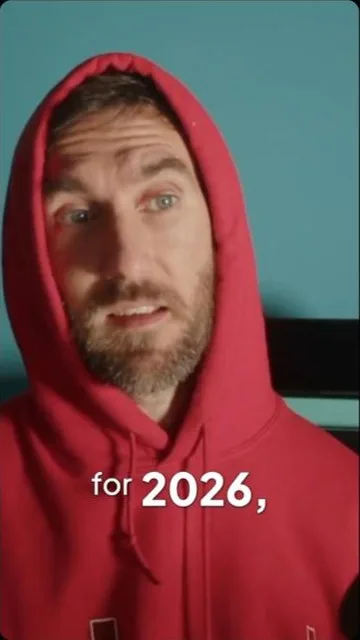
Pauses and filler gone, word-accurate captions, colour and graphics, in the look you choose.
Shorts
Clips cut for you
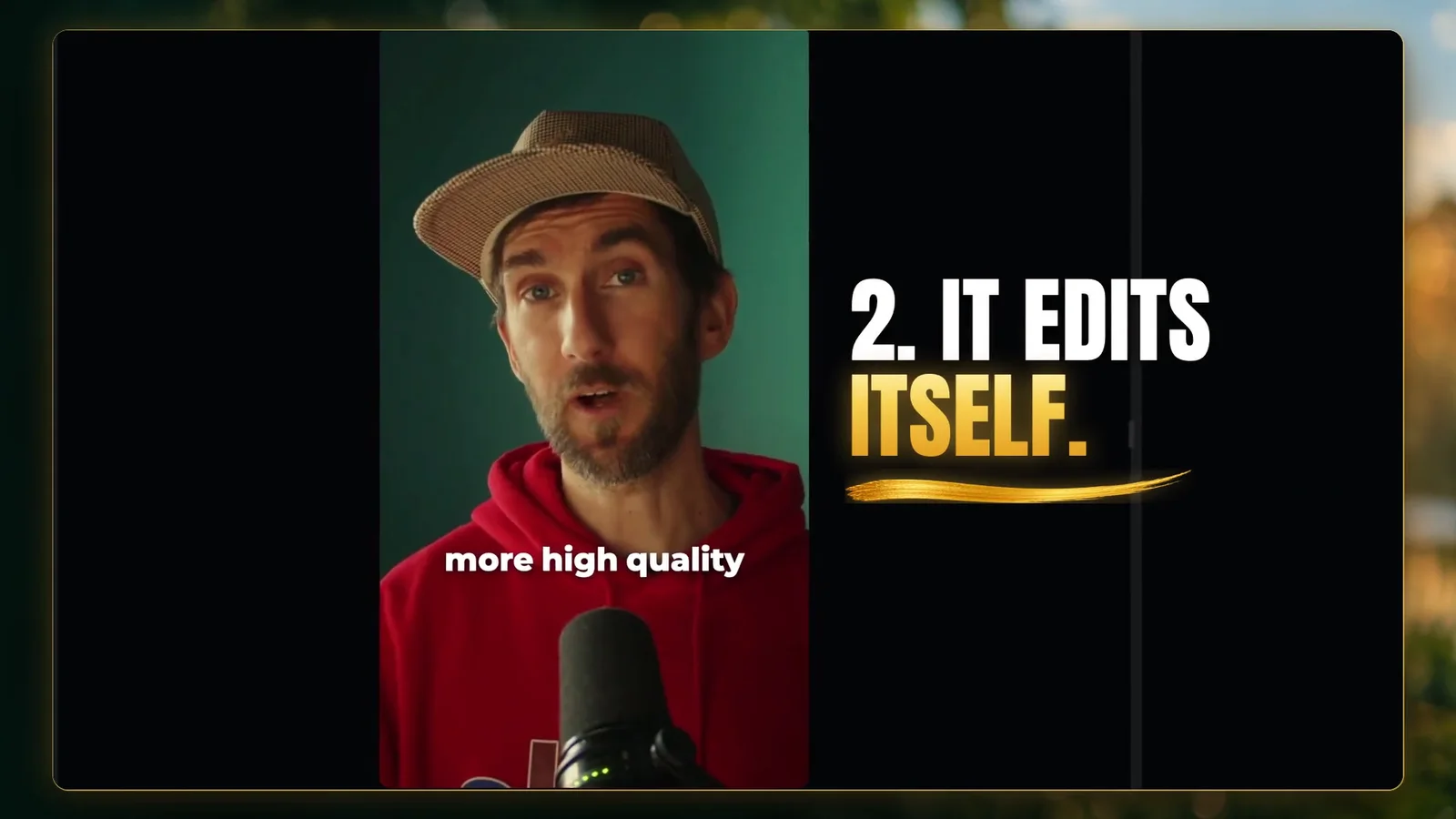
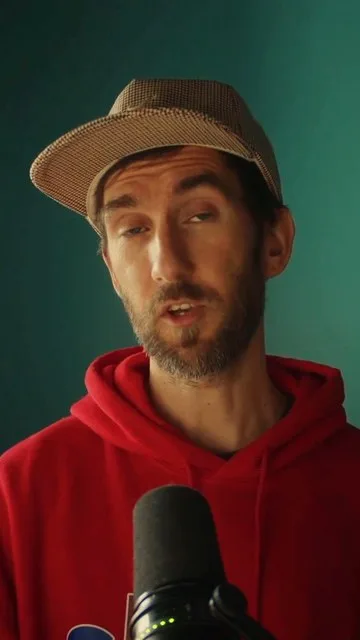
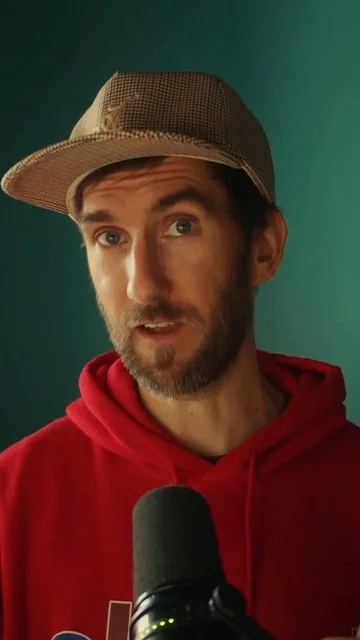
The moments worth clipping, cut vertical and captioned.
Packaging
Thumbnails, titles and descriptions


Script
A script built from your own words
It sounds like you because the words are yours.
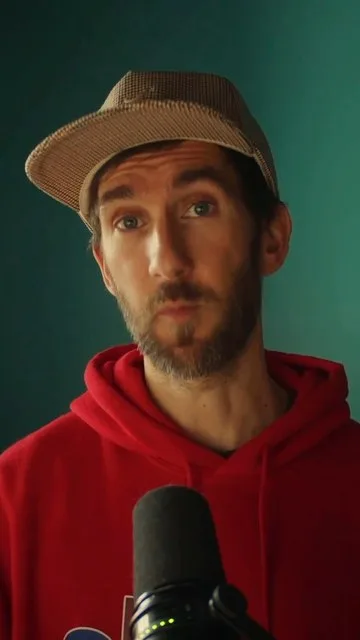
Built by a video editor who's worked with Skool.com
“If you teach something for a living, you already know what to say. The hard part was never the ideas. It was everything after you hit stop.”
William Renner, founder
More videos.More clients.
Don't decide today. Try it free for 7 days, then $49 a month.
You'll join the Volume community on Skool, then sign in to the app with the same email. Already a member? Log in
Questions
Will it sound like AI?
No, because the words are yours. Every video starts from what you actually said on camera, and Volume learns your vocabulary, your phrasing, and the structures that work for your audience. It shapes what you said; it doesn't invent a voice for you.
How much time does this actually take me?
Picking an idea and recording it is the job. Everything after that happens without you: the edit, the captions, the titles and thumbnails, the shorts, and the scheduling. Review is a watch-through and, at most, a few chat messages.
Who is Volume for?
Coaches, course creators, community owners, and anyone whose business runs on teaching what they know. If you have the expertise and not the production time, Volume is built for you.
Do I get shorts from my long videos?
Automatically. Volume finds the moments worth clipping in every long recording, cuts them vertically, captions and packages them, and lines them up on your calendar alongside the main video.
How do I get access?
Volume is in early access for members of the Volume community on Skool. Join there, then sign in to the app with the same email address you joined with.